 Looks Chat
Open Looks Chat
Looks Chat
Open Looks Chat
Looks Chat › Old-School Chat Rooms
Old-school chat rooms are back
Remember grey chat windows, a list of who's in the room and “so-and-so has entered the room”? Looks Chat is a free, 90s-style public chat for talking looks, style, hair, fitness, dating and glow-ups – with a few modern upgrades.
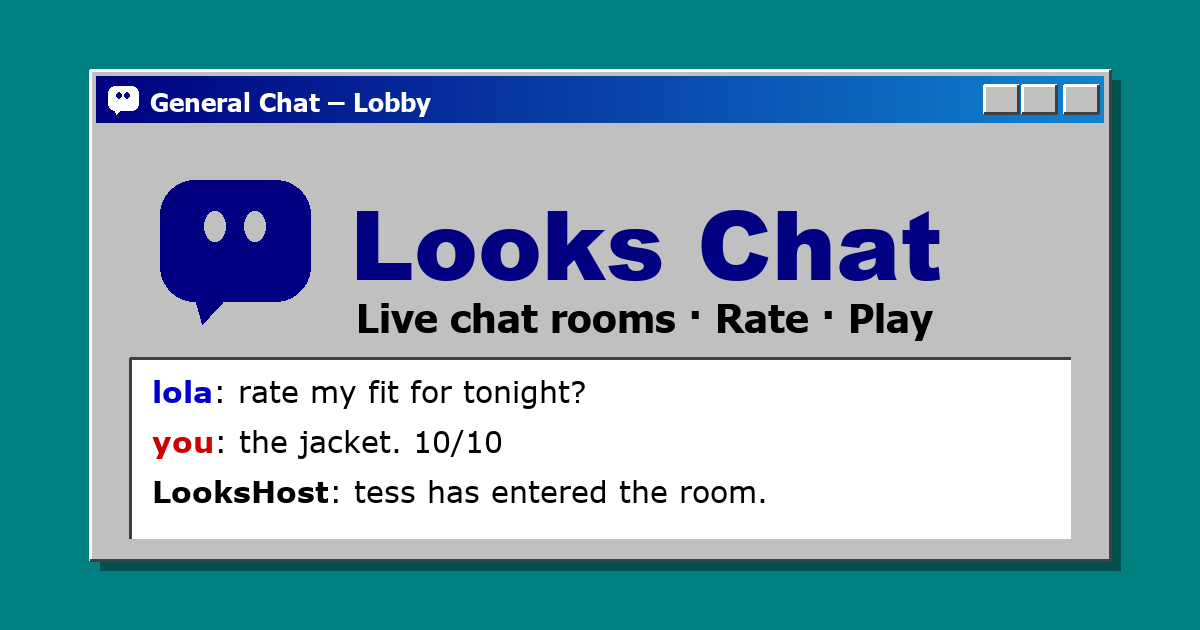
General Chat – the lobby everyone lands in.
Everything you loved about 90s chat rooms
A lobby to land in
Open the Chat tab and you're in General Chat, the always-on main room.
Find a Chat
Browse rooms by category – Looks, Style, Hair, Fitness, Dating, Fashion, Glow-Up and Random – and see how many people are in each.
People Here
A live list of everyone in the room, and the host announcing who has entered and left.
The look
Bevelled grey windows, navy title bars, screen names in red and blue. Like the AOL-style chat rooms of the 90s – and not affiliated with AOL.
The upgrades
- Reply threads. Answer any message and the conversation hangs underneath it, so side conversations don't get lost in the scroll.
- Love messages and flip to Top Loved to see the best lines in a room.
- Photo polls in chat. Post a VS, pick-the-best or rank-them poll and let the room vote.
- Share your photo into a room so people can rate your looks and guess your age.
- Start your own room on any topic in a few seconds.
Room rules
Old-school vibe, modern manners: be kind, roast the outfit not the person, no harassment, no hate, no nudity, adults only. Anyone can report a message or block a user, and blocked people disappear from your rooms. Read the full Community Guidelines.
Questions people ask
Are the chat rooms free?
Yes. Every room on Looks Chat is free to read and free to chat in.
Do I need to sign up?
You can read any room as a guest. To send messages you need a free account with a screen name.
Is it anonymous?
People see your screen name, not your real name or email.
Can I make my own chat room?
Yes – pick a name and a category and your room is live straight away.
Is it on mobile?
Yes. Looks Chat works in any phone browser, with the same rooms and a taskbar-style menu at the bottom.
Is there an age limit?
Yes. Looks Chat is for adults 18 and older.